For close to a decade, our family photo setup was fine. Not great. Fine.
I had Google Photos running on my phone and Apple Photos syncing on my Mac. Most things got backed up. But my wife uses a Pixel.
And Pixel photos ended up in her Google Photos account — some made it into the shared library, some didn't. Which is fine until you want to scroll back through the Alaska trip and realize half the photos are missing because they never got shared over.
We tried shared albums. We tried manual exports. Nothing really stuck. The problem was not that we didn't have a backup solution — we had two. The problem was they didn't talk to each other, and one of them didn't include half the family.
That's what pushed me to start looking for something different. One place. One timeline. Everything in it. Something I actually controlled.
That's how I found Immich.
What is Immich
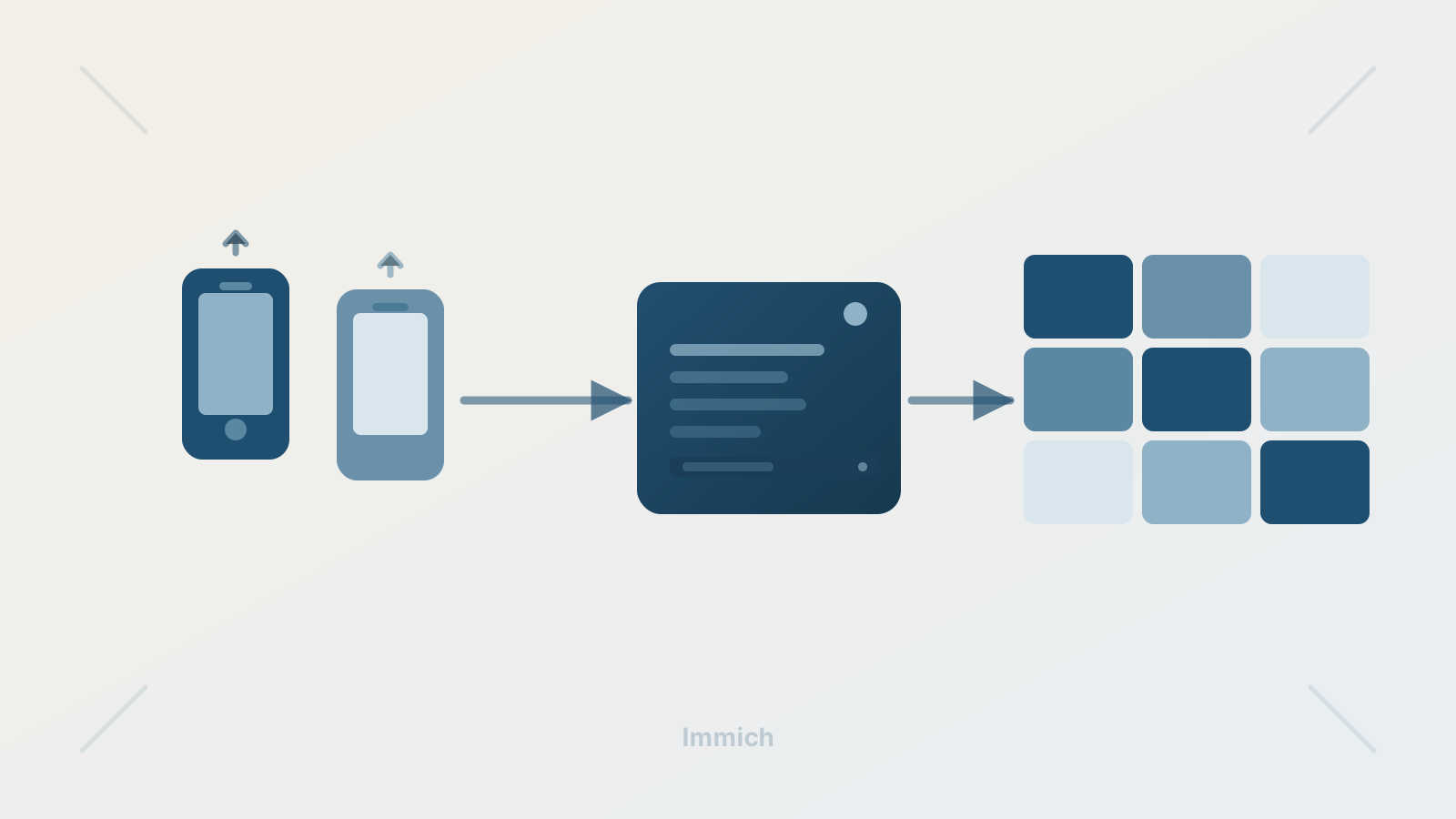
Immich is a self-hosted photo and video backup solution. It runs on your own hardware, stores everything locally, and has mobile apps for both iPhone and Android that automatically back up photos in the background — the same way Google Photos does, except the destination is your server instead of someone else's cloud.
It also has AI-powered search, a shared family timeline, duplicate detection, and a web UI that genuinely looks and feels like a modern photo app.
The catch is that you have to set it up yourself. Which is actually most of the fun.
The hardware
I already had a mini PC sitting around — small, quiet, low power draw, exactly the kind of machine that can just run in a corner and be forgotten about. That became the home server.
A reasonable starting point for Immich:
- Mini PC or any small always-on computer
- 8GB+ RAM
- SSD for the operating system and database
- A larger drive for photos and videos
I installed Ubuntu on it. I wanted something that would just stay on and stay quiet — no surprise reboots, no background update processes consuming resources at 2am.
Installing Docker
I went with Docker Compose to install Immich, so that came first.
sudo apt update && sudo apt upgrade -y
sudo apt install -y curl wget nano ca-certificates gnupg
curl -fsSL https://get.docker.com | sudo sh
sudo usermod -aG docker $USER
sudo reboot
After the reboot, a quick check to confirm everything was in place:
docker --version
docker compose version
Installing Immich
Immich provides official Docker Compose files, which made this surprisingly clean. I created a dedicated folder and pulled everything down from there.
sudo mkdir -p /opt/immich-app
sudo chown -R $USER:$USER /opt/immich-app
cd /opt/immich-app

wget -O docker-compose.yml https://github.com/immich-app/immich/releases/latest/download/docker-compose.yml
wget -O .env https://github.com/immich-app/immich/releases/latest/download/example.env
Then I edited the .env file to set the storage paths and timezone:
UPLOAD_LOCATION=./library
DB_DATA_LOCATION=./postgres
TZ=America/New_York
One thing worth noting here: my existing photo archive was on an external drive formatted as exFAT — because it had previously been shared between Windows and Mac. ExFAT mostly works, but some Immich behaviors around video and metadata become inconsistent on it. So I kept the Immich uploads and database on the internal SSD, and treated the external drive as a read-only archive. More on that in a bit.
To start everything up:
cd /opt/immich-app
docker compose up -d
Once the containers started, Immich was accessible from any device on the network at http://homelab.local:2283.
Importing the existing library
This was the part I was most nervous about. Nearly 30,000 photos and videos accumulated over the years, all sitting on an external drive. I did not want to copy everything — I just wanted Immich to be able to see it.
First, I mounted the external drive at a stable path so it wouldn't change between reboots:
sudo mkdir -p /mnt/photodrive
sudo blkid  # find the UUID of the drive
sudo nano /etc/fstab
The fstab entry for an exFAT drive looked like this:
UUID=5A7C-B65F /mnt/photodrive exfat defaults,nofail,uid=1000,gid=1000,umask=002 0 0Then in docker-compose.yml, I mounted the photo folder read-only into the Immich container:
- /mnt/photodrive/Photos:/mnt/external-library:roAfter restarting Immich and adding that path as an External Library inside the app, it began scanning. The first pass took several hours — crawling folders, generating thumbnails, extracting metadata, running AI jobs. But once it finished, 30,000 photos were in the timeline. No duplication. No copying. They stayed on the drive exactly where they were.
Getting the phones synced
This was the whole point. Both phones — iPhone and Pixel — installed the Immich mobile app and pointed at the server. Auto-backup enabled. Done.
Now when either of us takes a photo, it backs up to the same place. One timeline. Everything in it.
Immich duplicate detection handles the case where the same photo gets uploaded twice — it works well for exact file matches. The only edge case I've noticed is with photos shared through messaging apps, where the file is technically different even if the image looks identical. Not a big deal in practice.
Making it reliable
A home server that sleeps or goes offline randomly isn't really a home server. A few things made the setup feel solid:
Disable sleep:
sudo systemctl mask sleep.target suspend.target hibernate.target hybrid-sleep.targetMake Docker auto-start on reboot:
sudo systemctl enable docker
sudo systemctl enable containerd
Rename the machine so it's easy to reach by name instead of a changing IP address:
sudo hostnamectl set-hostname homelab
sudo reboot
After that, the server was consistently reachable at http://homelab.local:2283 from any device on the network. SSH from my laptop works the same way — ssh [email protected]. No need to remember IP addresses.
I also gave the machine a reserved IP in the router settings so the local DNS always resolves correctly.
The exFAT lesson
My external drive was formatted as exFAT because it had been shared across Windows and Mac for years. It mostly worked, but I kept running into small inconsistencies — mainly around video playback and metadata handling inside Immich.
The setup that works best:
- Immich uploads and database on Linux-native storage (the internal SSD)
- External drive acting as a mostly read-only archive
Long term, reformatting the external drive to ext4 is the right call for a Linux home server. I haven't done that yet — it requires backing everything up first — but it's on the list.
Where it landed
What started as a "fix the missing Pixel photos" problem turned into a proper home server setup that I genuinely rely on.
Both phones back up automatically. The 30,000-photo archive is searchable. The family timeline actually has both of us in it. And all of it runs on hardware I own, in my house, with no monthly storage bill attached to it.
It feels surprisingly close to a private version of Google Photos. Except the server is a quiet little box sitting next to the router, and I know exactly where the data lives.